🥗
Meals, calories & macros
Log food your way and see calories, protein, carbohydrates and fats in a clear, usable dashboard.
Diet Tracker Pro makes it simple to log meals, understand calories and macros, track water and weight, and build better habits—without an account, subscription or cloud upload.
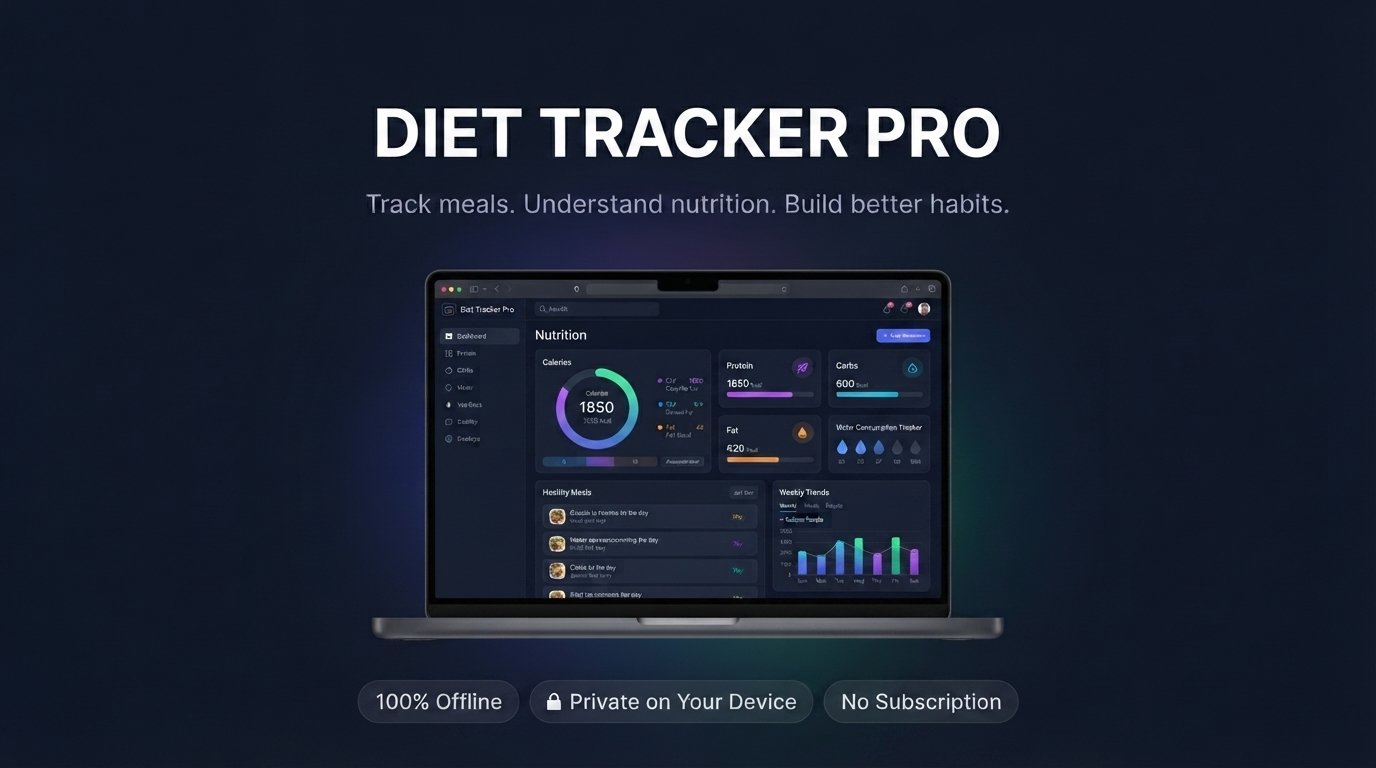
A complete, focused tool for your everyday nutrition journey—not a limited trial.
Log food your way and see calories, protein, carbohydrates and fats in a clear, usable dashboard.
Keep your hydration goal visible and capture weight entries to follow progress over time.
Review your nutrition journey, print reports, and export PDF, CSV, TXT and JSON backups.
Watch the quick walkthrough, then download the free app and begin tracking at your own pace.
Beautiful at a glance, practical when you need the details.
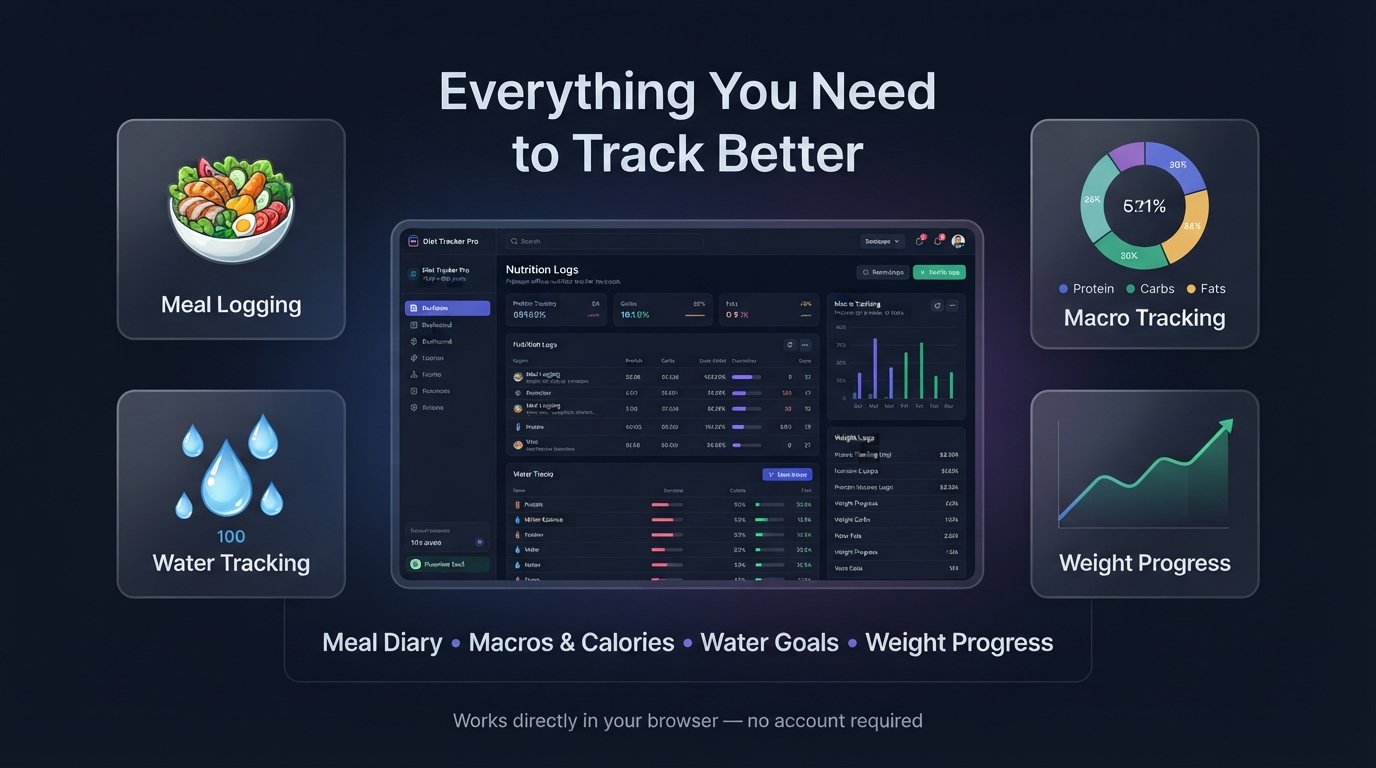
Bring daily meals, macro targets, hydration and weight progress into one focused place.
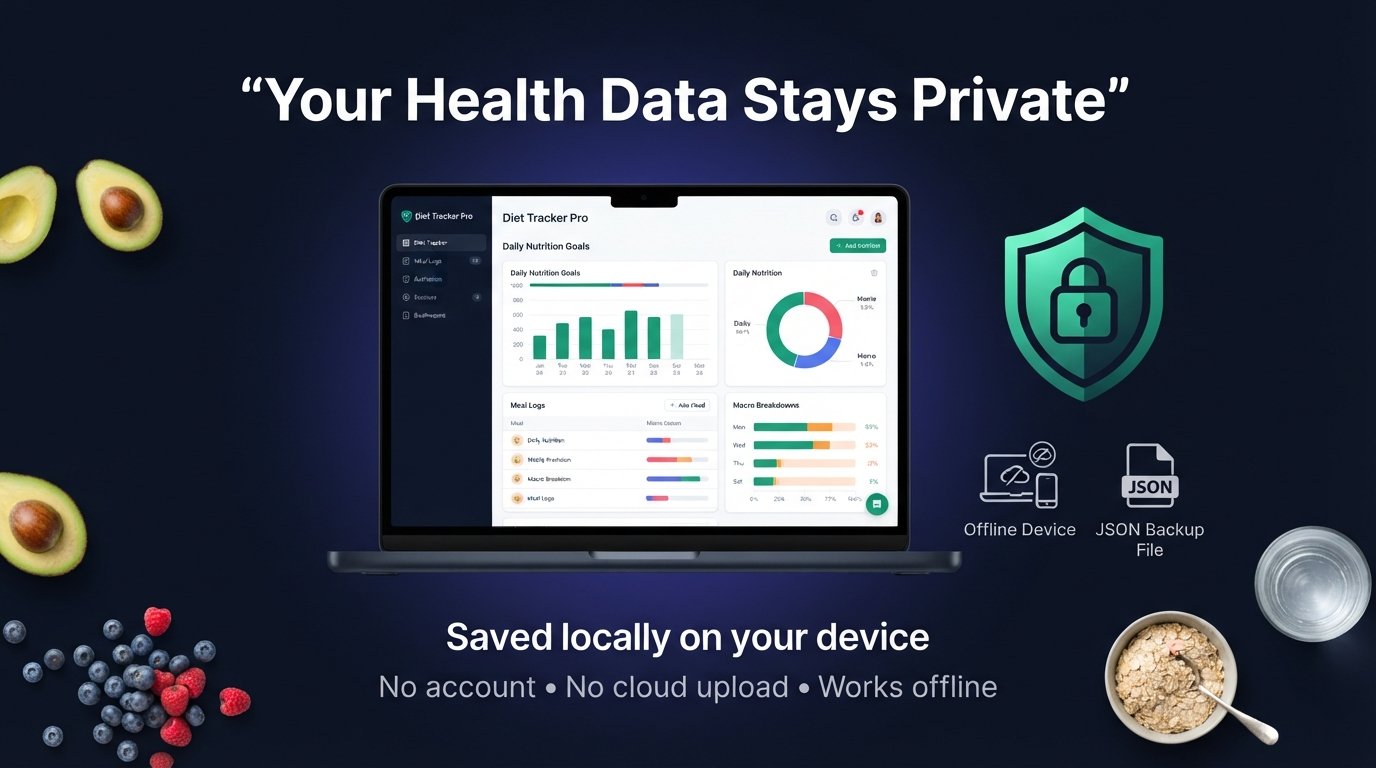
Your entries are stored locally on your device. No account and no cloud upload required.
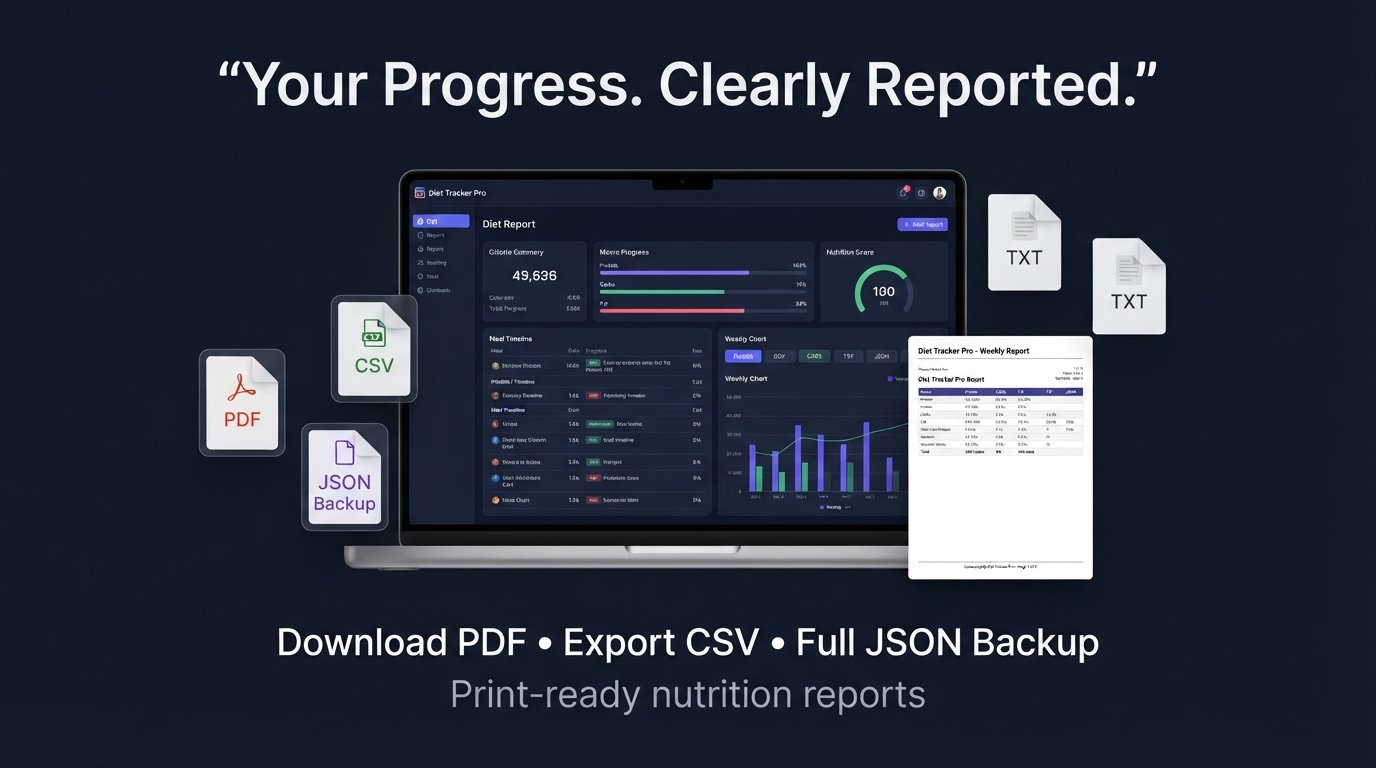
Generate print-ready nutrition reports and keep your own CSV, TXT and JSON copies.
Every SimplePDFTools mini web app is built for practical, private everyday use.
Your information stays in your browser on your device. The app works offline after download.
Export a JSON backup of your data and restore it when needed—so you can keep a safe personal copy.
Use the built-in sample data to explore the app before adding your own meals, goals and entries.
Excel is excellent for advanced analysis. Diet Tracker Pro is the faster, ready-to-use choice for everyday tracking.
| What matters | ✨ Diet Tracker Pro HTML app | 📊 Excel spreadsheet |
|---|---|---|
| Start tracking | ✓ Open it in your browser and begin straight away—no spreadsheet setup required. | Create or adapt sheets, columns and formulas before use. |
| Daily experience | ✓ Built-in meal forms, dashboards, water logging, goals and clear visual progress. | Primarily cells, rows and columns. |
| Mobile-friendly use | ✓ Responsive layout for common actions in a modern mobile browser. | Large spreadsheets can be difficult to navigate on small screens. |
| Reports & exports | ✓ Print-ready reports plus PDF, CSV, TXT and JSON export options. | Powerful analysis, but report design and export setup are up to you. |
| Data safety | ✓ Local storage with built-in JSON backup and restore, so you can keep a personal recovery copy. | You manage saved copies, versions and any backup routine yourself. |
| Try before your data | ✓ Built-in sample data helps you learn the app safely before adding real entries. | You need to enter or source example data yourself. |
| Choose it when | ✓ You want a polished private tracker that is ready from day one. | You need complex formulas, massive tables or custom spreadsheet modelling. |
Yes. It is free to download and use. You are also encouraged to share the original download link with anyone who may find it useful.
Download it from Gumroad, extract the ZIP if supplied, then double-click the HTML file to open it in Chrome, Edge, Firefox or Safari. No installation or account is needed.
The app includes backup and restore functions. Download a JSON backup regularly and keep it somewhere safe that you control, such as your computer or personal storage drive.
Yes. Diet Tracker Pro works locally in your browser, including offline.
Download your free, private Diet Tracker Pro app and make your nutrition progress easier to understand—one day at a time.
On the Gumroad page, enter this amount to get Diet Tracker Pro free:
No payment is required.